
Landing pages

App Download Landing Pages

How to design a landing page that convinces visitors to download your mobile app, with store badges and deep links.

AMAMJAM Solutions teamRewari, Haryana 12 Dec 20253 min read
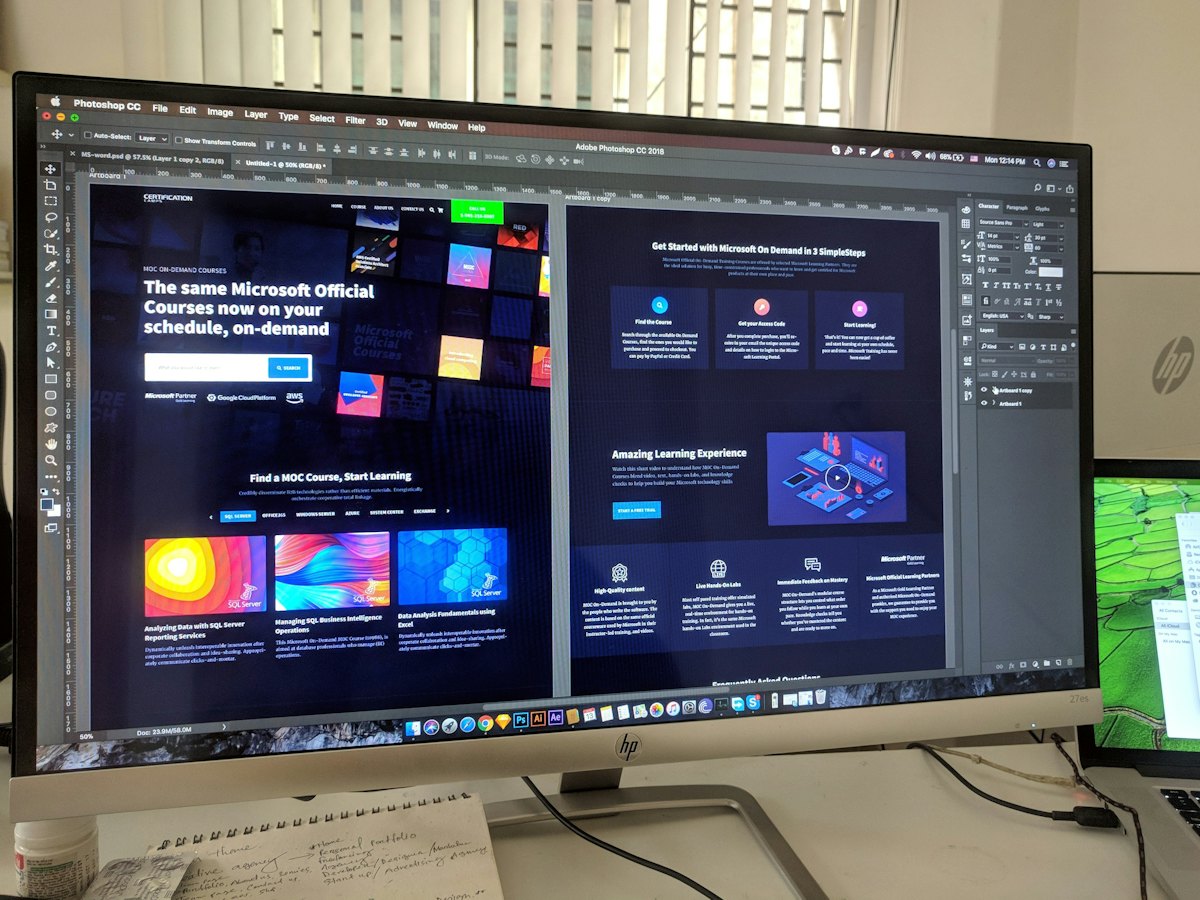
Designer working on web page layouts on a large screen
On this page

    Sending people straight to the app store loses those who need convincing. A landing page explains the app’s value first.

    Sections

    • Headline with the main benefit.
    • Phone mockups or a short demo video.
    • 3–4 key features.
    • Ratings and downloads (accurate).
    • Store badges for Google Play and the App Store.
    • A QR code for desktop visitors; create one with our QR code generator.

    Smart links

    Detect the visitor’s device and show the right store button first.

    Visuals

    Use real screenshots at the right sizes; check dimensions in our image sizes guide.

    Trust and privacy

    Explain what data the app uses and link to your privacy policy.

    Track installs

    Use store campaign links or attribution tools to see which campaigns bring installs.

    Want the full picture? This article is part of Landing pages: the complete guide, our in-depth guide with everything in one place.

    AM
    Written by the AMJAM Solutions team

    Our specialists handle landing pages for businesses across India from our office in Rewari. We update our articles as platforms change.

    Free strategy call

    Find out where your next customers will come from

    Tell us a little about your business. We'll set up a 15-minute call and come prepared with first ideas.

    • No obligation and no sales script
    • Speak with a strategist, not a call centre
    • Leave with at least one thing you can act on

    We use your details only to arrange this call. See our privacy policy.

    Get a free 15‑minute strategy call

    Leave your details and a strategist will call you, usually the same working day.

    We use your details only to reply. See our privacy policy.