Google Maps listings are sometimes created by customers, former employees or automatically. If your business appears but you cannot edit it, you can claim it.
Step 1: find the listing
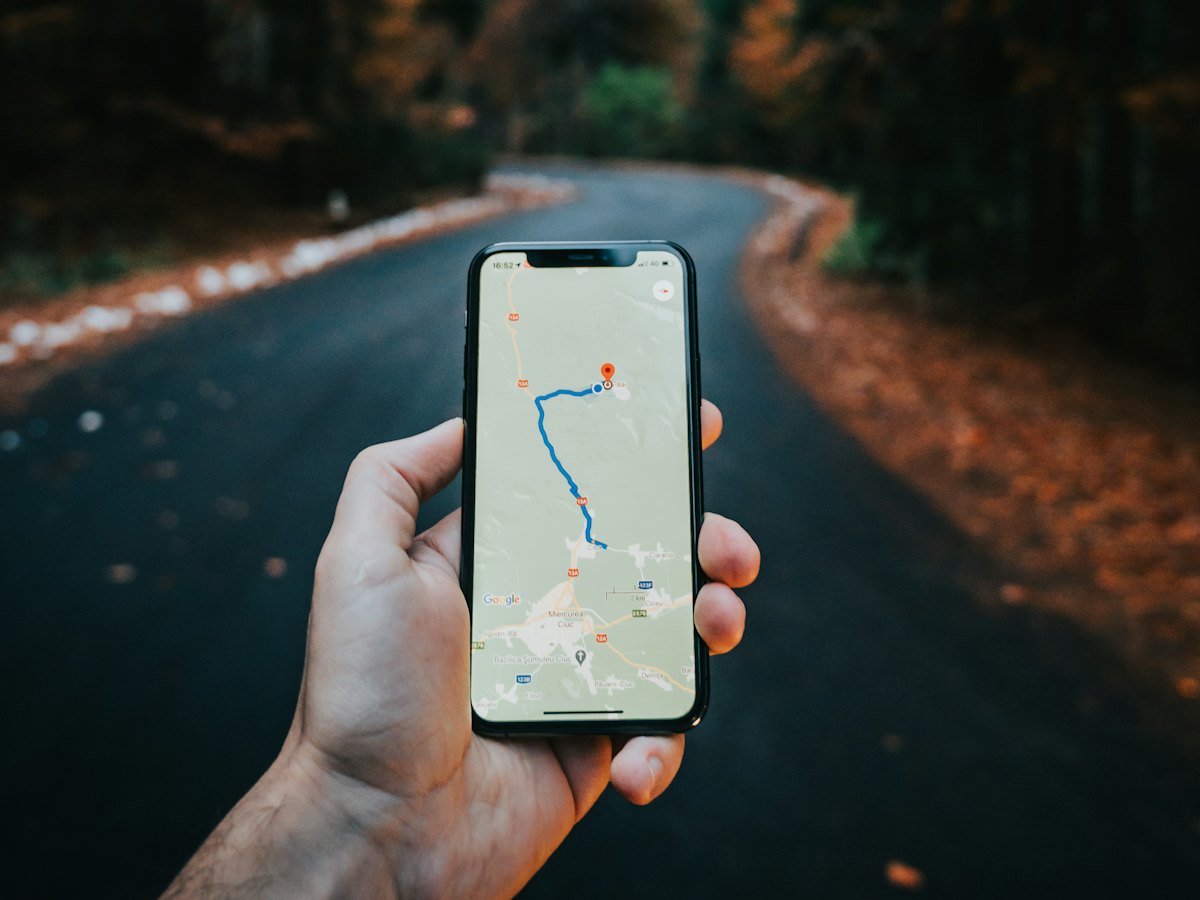
Search your business on Google Maps and open the listing. Look for “Claim this business” or “Own this business?”.
Step 2: if it is unclaimed
Follow the steps and verify by the methods Google offers, such as a phone call, SMS, email, video or postcard. Read how to verify your profile.
Step 3: if someone else owns it
- Choose Request access.
- Fill in the form with your details and relationship to the business.
- The current owner is notified and can respond.
- If they do not respond within the time Google allows, you may be able to claim it yourself.
If an ex-employee or developer controls it
Ask them to add you as an owner, then transfer primary ownership to you. Always keep primary ownership on an account the business controls.
After claiming
- Check name, address, phone, hours and categories.
- Add photos, services and a description.
- Start collecting reviews with our review link generator.
Check your progress with our profile score checker.
Want the full picture? This article is part of Google Business Profile: the complete guide, our in-depth guide with everything in one place.