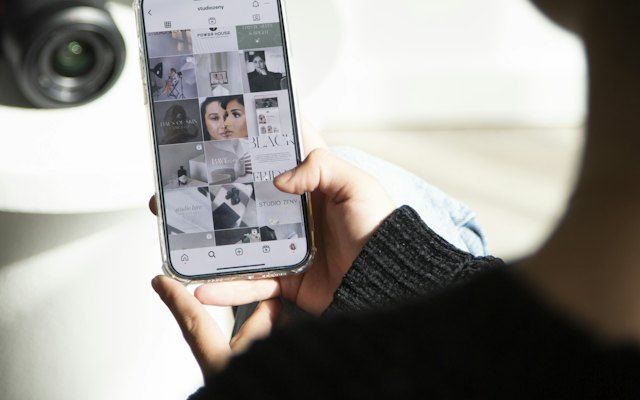
Broadcast channels let you send one-to-many messages to followers who choose to join. Messages appear in their inbox, which can feel more personal than a feed post.
How they work
- You create a channel from your inbox or profile.
- Followers choose to join; you can invite them.
- You can share text, photos, videos, voice notes and polls.
- Members can react and vote, but cannot reply in the channel.
Features vary by account and region; check what is available in your app.
Why businesses use them
- Reach your most interested followers directly.
- Announce launches and offers first.
- Build a close-knit community.
Content ideas
- Early access to new products or collections.
- Exclusive discount codes for members.
- Behind-the-scenes updates and sneak peeks.
- Polls to choose new products or flavours.
- Quick tips related to your field.
Best practices
- Do not over-post; a few useful updates a week is plenty.
- Make members feel special with real exclusives.
- Promote the channel in Stories and your bio.
Plan messages alongside your posts with our content calendar generator and write them with our caption generator.
See our Instagram management service.
Want the full picture? This article is part of Social media marketing: the complete guide, our in-depth guide with everything in one place.