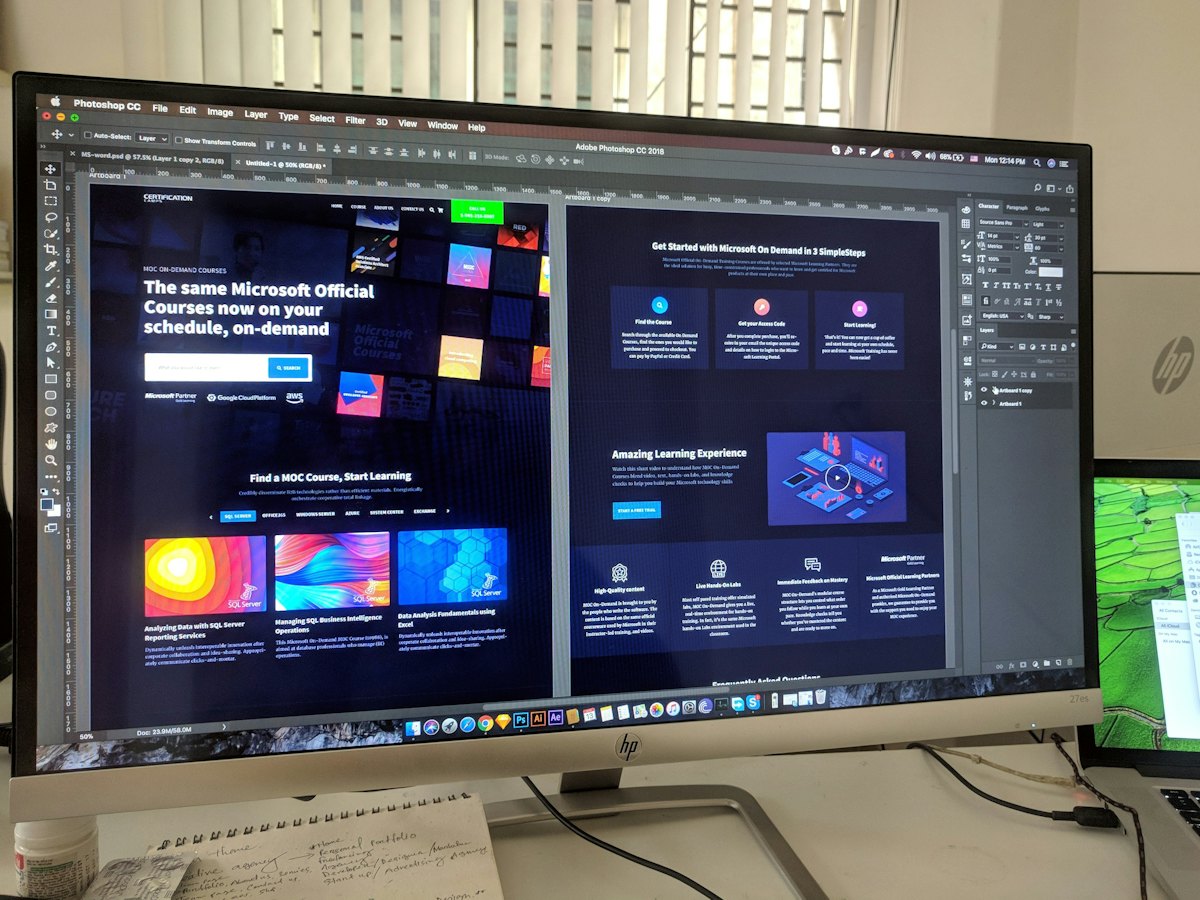
A wireframe is a rough sketch of the page: boxes for headline, image, form and sections, without colours or styling. It saves time by agreeing structure before design.
Why wireframe
- Agree the order of sections quickly.
- Spot missing content before design.
- Avoid expensive redesigns later.
Tools
Paper and pen, a whiteboard, slides, or free design tools all work. Fidelity matters less than clarity.
A typical wireframe order
- Header with logo and phone or WhatsApp.
- Hero: headline, subheadline, button, image.
- Trust strip: rating, numbers, logos.
- Benefits (3–4 blocks).
- How it works (3 steps).
- Proof: testimonials, case studies.
- Offer and pricing.
- FAQs.
- Final call to action and form.
Sketch mobile first
Draw the phone layout first: one column, with the button visible early.
Write real headlines
Use real text, not placeholder text, even in wireframes. Draft with our headline generator and decide button wording with our CTA button generator.
Read planning a landing page.
Want the full picture? This article is part of Landing pages: the complete guide, our in-depth guide with everything in one place.