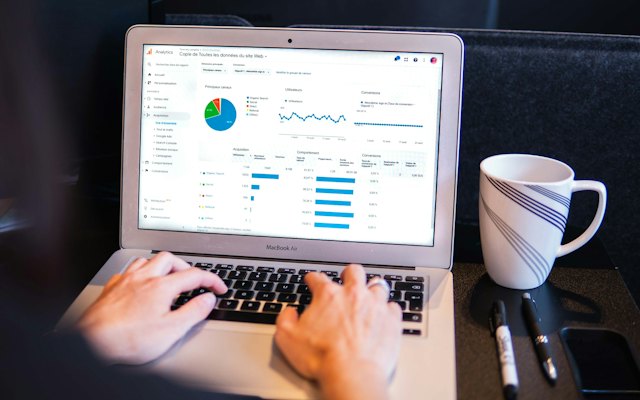
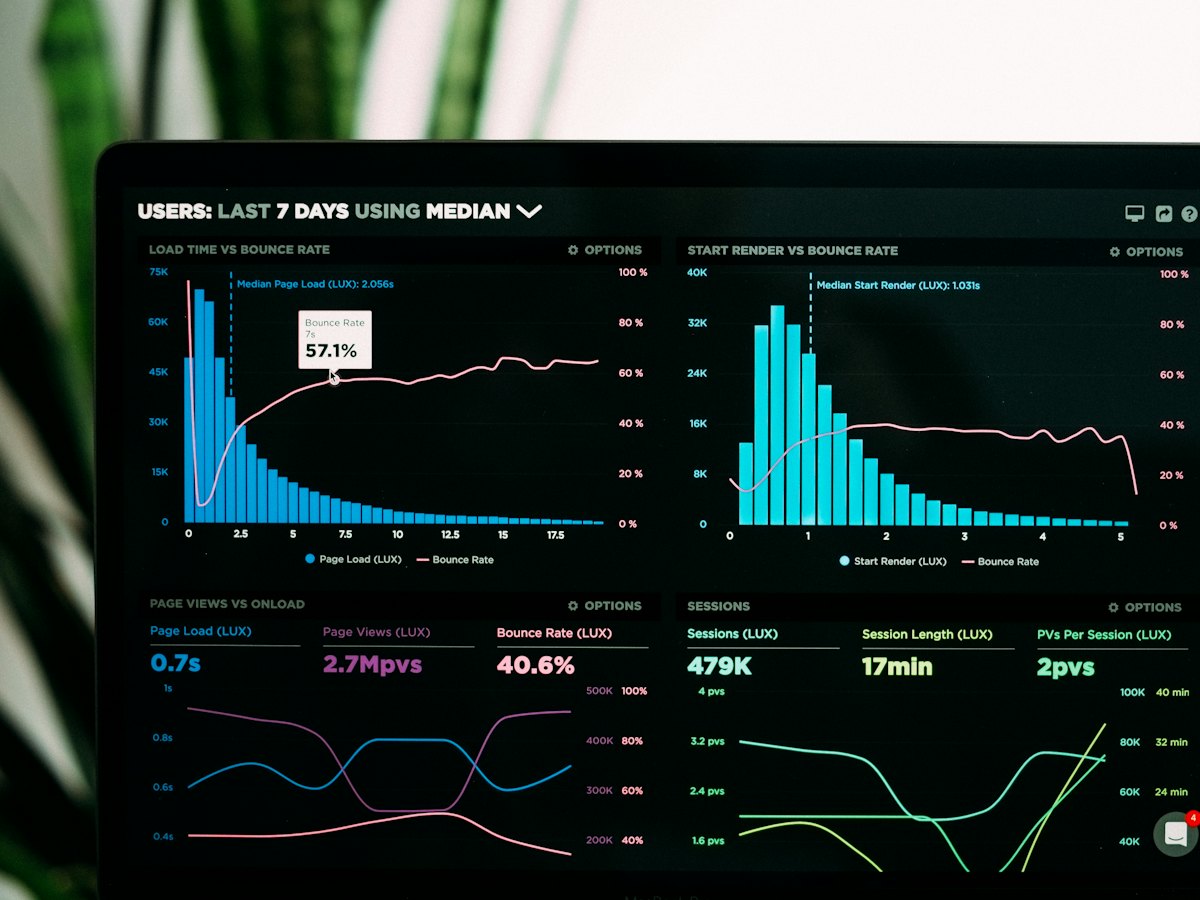
Analytics tells you how many people visited. Microsoft Clarity shows you what they actually did: where they clicked, how far they scrolled and where they got stuck. It is free.
What Clarity shows
- Heatmaps: where people click and how far they scroll.
- Session recordings: anonymised replays of real visits.
- Rage clicks: repeated clicks on something that does not work.
- Dead clicks: clicks on things that are not links.
- Quick backs: people who leave and return immediately.
Set it up
- Sign up at clarity.microsoft.com.
- Add your website and copy the tracking code.
- Install it via your CMS, plugin or Google Tag Manager.
- Connect it with Google Analytics if you like.
What to look for
- Do visitors scroll far enough to see your enquiry form?
- Do people tap things that are not clickable, such as images?
- Do forms get abandoned at a particular field?
- Do mobile visitors struggle with menus or pop-ups?
Turn findings into improvements
Move important buttons higher, shorten forms, fix broken elements, then measure the change in your conversion rate. Test bigger changes with our A/B test calculator.
Respect privacy
Clarity masks sensitive input by default. Mention analytics tools in your privacy policy and cookie notice.
Read why visitors are not enquiring.
Want the full picture? This article is part of SEO: the complete guide, our in-depth guide with everything in one place.