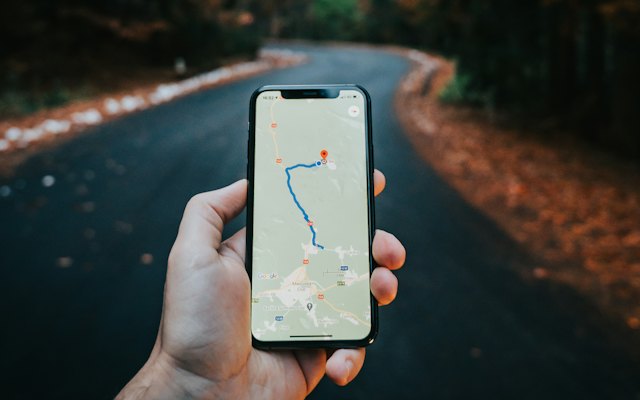
If you travel to customers, like plumbers, electricians, pest control, cleaners, tutors and caterers, you can still appear on Google Maps. You set up your profile as a service-area business.
How a service-area profile works
- You hide your address so customers do not visit it.
- You list the areas you serve: cities, localities or PIN codes (up to 20).
- Google still uses your hidden address as the base for local rankings.
Setting it up
- Create or edit your profile and choose that you visit customers at their location.
- Remove the public address if customers do not visit you.
- Add service areas you genuinely cover.
- Choose the right category and list every service.
How to rank across your service area
You will naturally rank best near your base. To appear in other areas:
- Create a page on your website for each main area, with local details and examples.
- Collect reviews that mention the area and the job, which customers often do naturally.
- Post photos of work done in different localities.
- Get listed on directories for each city you serve.
Our keyword combiner shows every service-and-area combination worth a page.
Mistakes to avoid
- Showing a home address publicly.
- Creating fake offices in other cities to appear there.
- Listing areas you rarely serve.
Win the urgent calls
Many service searches are urgent. Make the call button easy, answer the phone, and reply to messages fast. Read why a profile gets views but no calls.
Want the full picture? This article is part of Google Business Profile: the complete guide, our in-depth guide with everything in one place.