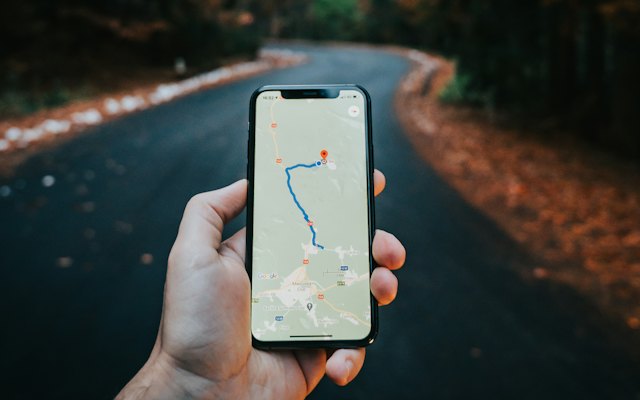
Searches like “bakery near me” or “AC repair near me” come from people who need something now. Most of these clicks go to the Google Maps results and to nearby businesses with strong profiles.
How Google decides
- Relevance: how well your profile matches the search.
- Distance: how close you are to the searcher.
- Prominence: how well known and well reviewed you are.
You cannot change distance, but you can improve relevance and prominence.
1. The right categories
Choose the most accurate primary category and relevant secondary ones. Read how to choose categories.
2. A complete profile
Fill every section: services, products, hours, attributes, photos and description. Check gaps with our profile score checker.
3. Reviews
A steady flow of genuine reviews that mention your services helps. Reply to every one.
4. Location signals on your website
- Your address and phone in the footer.
- A contact page with an embedded map; make one with our map embed generator.
- Service pages that mention the areas you serve.
5. Consistent listings elsewhere
Keep your name, address and phone the same on directories and social profiles.
6. Do not keyword-stuff your business name
Adding keywords to your name can get the profile suspended. Use your real business name.
See our local SEO service.
Want the full picture? This article is part of Google Business Profile: the complete guide, our in-depth guide with everything in one place.