SERP stands for search engine results page: the page you see after typing a search. It is no longer just ten blue links. The video (in Hindi) walks through what appears on it; the shorts below cover the same points in English-titled clips.
What you can find on a results page
- Ads: marked Sponsored, at the top and bottom.
- Organic results: the regular listings with a title, URL and description.
- Local pack: a map with three businesses for searches with local intent.
- Featured snippet: a short answer pulled from one page, shown above other results.
- People also ask: expandable related questions.
- AI overviews: generated summaries for some searches, with links to sources.
- Images, videos, news and shopping results, depending on the search.
How to compete for each
- Organic: a clear title and description that match the search. Check yours in our search preview tool.
- Local pack: a complete Google Business Profile and steady reviews.
- Snippets and questions: answer common questions in short, direct paragraphs, and mark up FAQs with our FAQ schema generator.
- Videos: publish helpful videos on YouTube and embed them on relevant pages, like this one.
Look before you plan
Search your main keywords and note what Google shows. If the page is full of maps, local SEO matters most. If it shows videos, make a video. The results page tells you what Google thinks people want.
The same lesson in four short clips
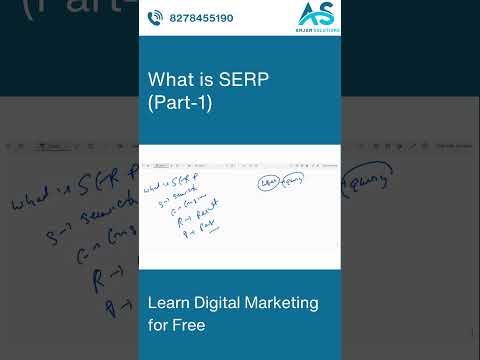 1:00What is SERP (Part-1)
 1:00What is SERP (Part-2)
 0:49What is SERP (Part-3)
 0:57What is SERP (Part-4)
Want the full picture? This article is part of SEO: the complete guide, our in-depth guide with everything in one place.